

Pix videos are short AI-generated clips that turn a single photo or text prompt into a moving, social-ready video. Upload an image, pick a motion effect, and generate in under a minute — no editing skills needed. Try it now at Squish Games and have your first clip ready before you finish reading this.
Table of Contents
- How to make a pix video in around 60 seconds
- Which tools handle AI photo-to-video, and why Squish is the pick
- Creative tips to make pix videos that grab attention on TikTok, Reels and Shorts
- Privacy, consent and NSFW guidance for creators in the United Kingdom
- How to export pix videos and share them on TikTok, Reels and Shorts
- What pix videos typically cost and how long they take
- Key takeaways
- Why mobile-first AI tools changed how I think about video creation
- Squish Games: free-to-start AI video creation for every creator
How to make a pix video in around 60 seconds
The workflow is genuinely this simple. Follow these steps and you will have a shareable clip in one sitting.
- Upload or choose your image. A selfie, AI-generated character, avatar, pet photo, or original artwork all work. Higher-resolution, high-contrast images produce cleaner motion.
- Select your mode. Choose image-to-video (your photo becomes the clip) or text-to-video (describe a scene and the AI builds it). Some tools let you supply two reference images for better fidelity.
- Write a short motion prompt. Be specific: “gentle hair movement, soft lighting, slow camera pull-back” beats “make it move.” Scene-specific language cuts trial-and-error significantly.
- Pick your aspect ratio. 9:16 for TikTok and Reels, 16:9 for YouTube Shorts landscape, 1:1 for feed posts.
- Add audio or auto-sync. Choose a music track or let the tool match a beat automatically.
- Generate. Fast or seed-tier models typically complete a clip quickly. Pro and ultra tiers take a little longer but deliver noticeably sharper results.
- Preview, then export as MP4. Check the loop point before downloading.
Generation time: Fast-tier models usually finish in under one minute. Pro and ultra models trade a bit of speed for quality — expect slightly longer waits for cinematic outputs, with ultra-tier sometimes taking a few minutes.
Pro Tip: Only animate images you own outright or have explicit permission to use. This applies to portraits of real people, licensed artwork, and any image scraped from social profiles. Keep a record of consent where possible.
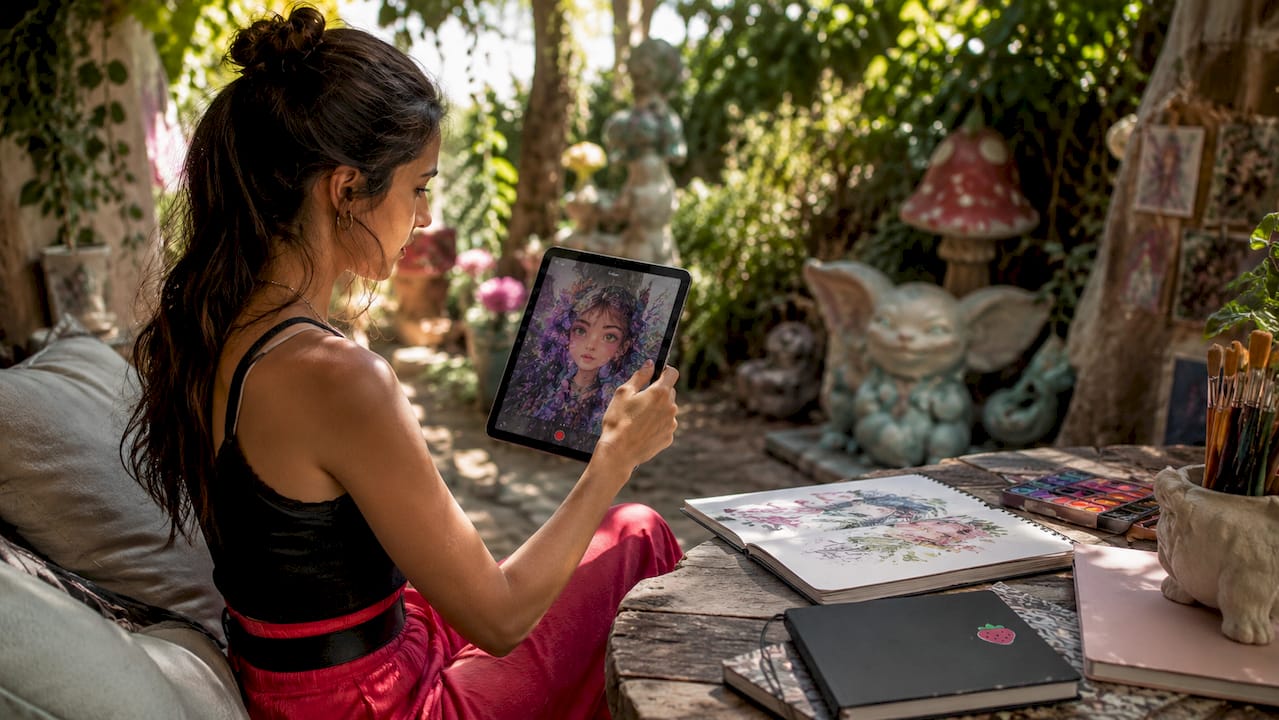
Which tools handle AI photo-to-video, and why Squish is the pick
The core features that actually matter when choosing a tool come down to four things: where you can use it (browser or mobile), how many model tiers it offers, what aspect-ratio presets it supports, and how it handles export and watermarks.
Browser-based AI editors are replacing desktop software for most social creators because they prioritise iteration speed over feature depth. You do not need to install anything, and you can go from idea to exported clip on a phone during a commute. Tools that offer one-click effects, music synchronisation, and text overlays let creators reach professional-looking results without prior editing experience.
Model tiers matter more than most guides admit. A fast or seed-tier model is fine for quick previews and high-volume posting. A pro-tier model handles portraits and product shots with more stable motion. An ultra-tier model is worth the extra credits when you are building a portfolio piece or a paid campaign asset.
Squish Games sits squarely in the mobile-first, free-to-start category and goes further than most tools by explicitly supporting NSFW and adult creative content alongside mainstream use cases. Upload a selfie and get a dancing loop. Upload an AI-generated nude art piece and animate it for a portfolio. Upload a fantasy character and add a jiggly bounce effect for social. The platform handles still photo animation for portraits, pets, avatars, and creator-owned images without requiring any editing background.
Pro Tip: For adult or NSFW content, always confirm age verification is in place before uploading and distributing. Squish supports consent-first creative use — that means your content, your rules, but your responsibility to verify.
Creative tips to make pix videos that grab attention on TikTok, Reels and Shorts
Short high-energy loops consistently outperform longer single clips on TikTok and Instagram. The sweet spot is 3–7 seconds, looped cleanly so the viewer watches it two or three times without noticing the join.
Effects that work well:
- Portrait micro-motions: subtle eye blinks, hair movement, a slight head tilt. These feel uncanny in the best way and stop the scroll.
- Product rotations: a 360-degree spin on a clean background reads as polished even when generated in seconds.
- Parallax landscapes: foreground and background moving at different speeds creates depth from a flat image.
- Beat-synced cuts: match a motion burst to the kick drum. Automated music sync tools handle this without manual keyframing.
- Animated text overlays: a word that pulses or slides in on beat adds context without voiceover.
What to avoid:
- Starting with a static frame. Motion in the first half-second is what triggers autoplay engagement.
- Overloading the prompt. “Dramatic cinematic zoom with lens flare, rain, and wind” on a low-res image produces artefacts. Pick one motion idea per clip.
- Ignoring the loop point. A jarring cut at the end kills repeat views.
Pro Tip: When animation looks distorted or limbs stretch unnaturally, the fix is almost always the source image. Higher-resolution, high-contrast images produce more stable results. Alternatively, simplify the motion prompt rather than switching models.
Privacy, consent and NSFW guidance for creators in the United Kingdom
Consent is not optional when you are animating a real person’s image. Get explicit, documented permission before you upload anyone else’s likeness, and keep a record of that consent. A screenshot of a message confirming permission is a reasonable minimum; a signed release is better for anything commercial or adult-themed.
UK-specific points creators should know:
- Age verification for adult content: if you are producing or distributing NSFW material, the Online Safety Act places obligations on platforms and creators alike. Verify that any person depicted is over 18 and keep evidence of that verification.
- Identifiable minors: never animate an image where a minor could be identified, even incidentally. This applies to background figures in group photos.
- Public figures: animating a recognisable public figure without consent can constitute a deepfake under emerging UK guidance and may breach their image rights. Satire has some protection; sexualised content does not.
- Recognisable locations tied to private individuals: a home address visible in a background, combined with an animated portrait, can create a privacy risk even if the portrait itself is consented.
Red flags to pause on: images without clear provenance, unclear licence terms, images scraped from social profiles, and any request to remove clothing from or alter the identity of a real person.
Pro Tip: Check each social platform’s terms for adult content before posting — TikTok, Instagram, and YouTube each have different rules, and what Squish permits to generate is separate from what a platform permits to publish.
How to export pix videos and share them on TikTok, Reels and Shorts
| Platform | Aspect ratio | Resolution | Format | Max file size |
|---|---|---|---|---|
| TikTok | 9:16 | 9:16 | MP4 | — |
| Instagram Reels | 9:16 | 9:16 | MP4 | — |
| YouTube Shorts | 9:16 | 9:16 | MP4 | — |
| YouTube (landscape) | 16:9 | 16:9 | MP4 | — |
| Instagram feed (square) | 1:1 | 1:1 | MP4 | — |
Most AI tools export as HD MP4 with 9:16 and 16:9 support natively, so you rarely need to re-encode. Loop-friendly files behave best on TikTok and Reels because the platform auto-replays short clips; a clean loop point doubles your effective watch time without any extra content.
Quick upload checklist:
- Confirm file size is under the platform limit before uploading.
- Add captions and relevant tags at upload, not as an afterthought.
- Check the autoplay loop in preview mode — a half-second black frame kills the effect.
- Set a custom thumbnail if the platform supports it; the first frame of a motion clip is often blurred.
What pix videos typically cost and how long they take
Most AI photo-to-video tools follow a free-to-start, credit-based model. Here is what that looks like in practice:
- Free tier: a limited number of generations per day or per month, often with a watermark on exports or capped resolution.
- Credit or coin model: buy additional renders in bundles. Each clip costs one or more credits depending on the model tier selected.
- Premium features that commonly cost extra: ultra-model access, higher-resolution exports, priority queue (faster render times during peak hours), and commercial-use licence allowances.
- Monetisation features: some platforms, including Squish, offer creator payout options that are only available on paid tiers.
Speed benchmark: Fast and seed-tier models typically finish in under a minute. Pro-tier models take a little longer, and ultra-tier models, which use more compute, may take several minutes — best for high-quality outputs or professional use.
Image complexity affects render time more than most creators expect. A clean portrait on a plain background generates faster and cleaner than a busy scene with multiple figures and detailed backgrounds. If speed matters, simplify the source image.
Paid tiers often change export terms, adding commercial-use rights that the free tier does not include. Check the licence terms before using a generated clip in paid advertising or client work.
Key takeaways
Pix videos are AI photo-to-video clips that any creator can produce in under 60 seconds using a mobile or browser tool, with no editing experience required.
| Point | Details |
|---|---|
| What pix videos are | Short AI-generated clips made from a single photo or text prompt, ready to share on social media. |
| 60-second quick-start | Upload an image, write a motion prompt, pick 9:16, and export as MP4 — fast-tier models usually deliver a finished video in under 60 seconds. |
| Consent and safety | Get explicit permission before animating real people; follow UK age-verification rules for adult content. |
| Best export ratios | Use 9:16 for TikTok and Reels, 16:9 for YouTube landscape, and 1:1 for feed posts. |
| Try Squish Games | Squish is a free-to-start, mobile-first platform for photo-to-video clips, interactive art, and NSFW creative content. |
Why mobile-first AI tools changed how I think about video creation
The conventional wisdom used to be that quality required time. A good short video meant a desktop suite, a render queue, and at least an hour of fiddling. That assumption is now simply wrong, and the creators who have not updated it are producing less content than they could.
What actually matters with AI photo-to-video is iteration speed. The faster you can go from idea to exported clip, the more you learn about what works for your audience. A mobile-first tool that generates in under a minute lets you test many different motion effects in the time it used to take to open a desktop editor. That volume of experimentation is where style actually develops.
The NSFW dimension is worth addressing plainly. Adult and nude art creators have historically been underserved by mainstream tools that either block the content outright or bury the functionality behind vague terms. A platform that treats adult creative work as a first-class use case, with proper consent and age-verification guidance built in, is genuinely more useful than one that technically permits it but makes the workflow awkward. Squish handles this directly, which matters for creators who work in that space professionally.
My recommendation: use fast models for daily social content and save ultra-tier credits for portfolio pieces or paid campaign assets. The quality gap is real, but so is the time cost.
Squish Games: free-to-start AI video creation for every creator
Photos that sit still are a missed opportunity. Squish turns any image into a social-ready clip — a dancing portrait, a bouncing avatar, a jiggly nude art loop, a fantasy character brought to life — without a single minute of editing experience required.
Free users get immediate access to photo-to-video generation, interactive art effects, and basic export presets. Paid upgrades unlock extra credits, higher-quality model tiers, priority rendering, and direct monetisation options for creators who want to earn from their output. There is no long-term subscription required to get started.
Whether you are making AI videos with no editing skills or building a full adult content portfolio, Squish gives you the tools to create, share, and grow. Head to Squish Games and make your first pix video now.
Leave a Reply