

OnlyFans permits AI-assisted and AI-enhanced content, but only under specific conditions. The verified account holder must be the person depicted, the content must not impersonate anyone else, and any synthetic or AI-assisted elements should be transparently disclosed. Get those three things wrong and you risk suspension, permanent termination, and forfeiture of your earnings.
The non-negotiables, in plain terms:
- Verification match: the person shown in your content must match the identity you submitted during verification. No exceptions, no workarounds.
- No synthetic personas without a real human: fully AI-generated models operating as if they are a verified creator are prohibited. A real person must be behind the account.
- Label your AI-assisted content: use tags such as #AI in captions or watermarks. Disclosure is not optional if you want to stay on the right side of the platform.
Enforcement is active. B9 Agency reports that biometric checks increased through 2026 and that penalties escalate from warning to suspension to permanent ban, with potential forfeiture of accumulated earnings.
Key takeaways
AI-enhanced content is permitted on OnlyFans when the verified creator is the depicted subject, disclosure is clear, and provenance is retained.
| Point | Details |
|---|---|
| Verification is non-negotiable | The person in your content must match your verified identity; biometric checks are active in 2026. |
| Label AI-assisted content | Use #AI in captions or watermarks; disclosure reduces platform risk and maintains subscriber trust. |
| Human-in-the-loop for messaging | AI may draft DM responses, but a human must review and send each one to avoid impersonation violations. |
| Keep a forensic folder | Retain source files, prompt logs, tool names, and dates for every AI-assisted post as provenance evidence. |
| Squish for compliant AI video | Squish’s free-to-start platform supports NSFW and nude art creators with a consent-first, no-editing-skills workflow. |
Table of Contents
- What does OnlyFans’ policy actually require, and what UK law adds on top?
- How are creators actually using AI on OnlyFans?
- What mistakes trigger moderation, and how does enforcement escalate?
- Compliance checklist for posting AI-enhanced content safely
- How to create an OnlyFans-safe AI video using Squish
- How do you monetise AI-enhanced content without losing subscriber trust?
- A consent-first view on AI for creators
- Squish: free-to-start AI video effects for compliant creator content
- Sources
What does OnlyFans’ policy actually require, and what UK law adds on top?
OnlyFans’ terms place the burden squarely on the verified creator:
That single clause covers a lot of ground. Your account, your responsibility. If an AI tool generates something that violates policy, the platform holds you accountable, not the tool.
What biometric checks mean for your workflow
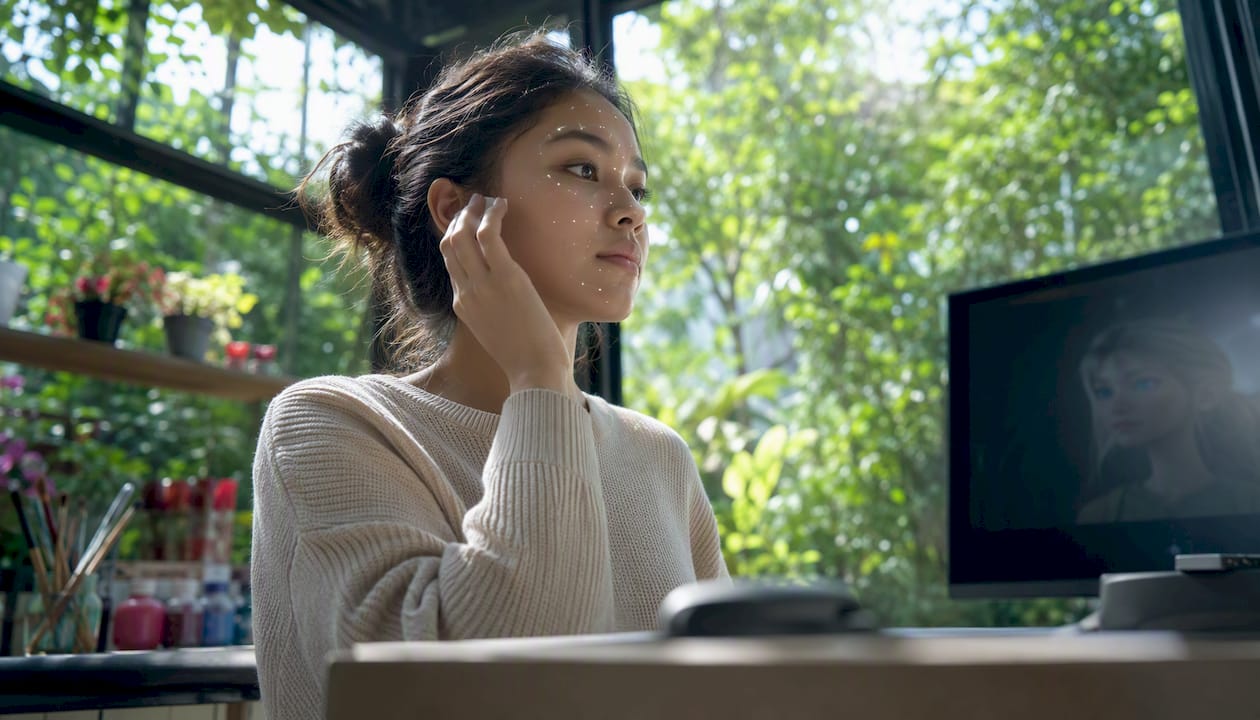
OnlyFans uses biometric identity matching to confirm that the person in submitted verification documents matches the person appearing in content. Creators who try to post AI-generated faces that do not match their verified identity are increasingly being caught by automated detection. This is not a theoretical risk: B9 Agency’s 2026 analysis documents active enforcement actions against accounts that failed these checks.
UK legal considerations creators often overlook
Beyond platform rules, UK creators face several statutory obligations:
- Consent and likeness rights: using another person’s likeness in AI-generated content without explicit written consent may constitute a privacy violation under the UK GDPR and, in some cases, harassment under the Protection from Harassment Act 1997.
- Copyright in training data: if you use AI tools trained on third-party images, you may inadvertently reproduce copyrighted material. Keep records of which tools you use and review their terms on training data.
- Age verification: the Online Safety Act 2023 places age verification obligations on platforms and, by extension, on creators distributing adult content. Verify that any platform or tool you use complies.
- Data protection: biometric data processed during verification is sensitive personal data under UK GDPR. Understand how your platform and any third-party AI tools handle it.
Practical implication: obtain written consent before incorporating any third-party likeness into AI-generated content. Retain your original files, generation logs, and metadata. If you are ever flagged, provenance is your defence.
How are creators actually using AI on OnlyFans?
The most successful approach treats AI as an operational tool, not a replacement for the human connection subscribers are paying for. Analysis from AITopTools shows that production tasks typically occupy a minority of a creator’s working hours, and AI can absorb much of that burden, freeing time for the high-value interactions that drive retention.
Safe, high-value AI uses
- Photo and video enhancement: upscaling, lighting correction, background removal, and colour grading. These improve quality without altering who is depicted.
- Background extension and scene-setting: AI can extend a background or add atmospheric effects to an existing photo, keeping the creator as the clear subject.
- Caption and description drafting: AI writing tools can draft post captions, PPV descriptions, and promotional copy, which the creator then reviews and personalises.
- Scheduling and analytics: tools that automate posting schedules and surface engagement data save hours each week.
- B-roll and filler content: AI-generated b-roll such as animated backgrounds, looping art, or fantasy scenes can supplement a creator’s feed without replacing the primary content.
Journalistic coverage of the rise of AI-generated OnlyFans models shows that agency-run synthetic personas attracted significant attention but also significant backlash. Subscribers who felt deceived left, and chargebacks followed. The lesson: transparency retains subscribers; deception loses them.
Risky territory to avoid
Fully synthetic models, voice cloning used in DMs to impersonate the creator, and deepfakes of other people are the three categories most likely to trigger enforcement. Each one either fails the verification-match requirement or constitutes impersonation.

Pro Tip: Use a human-in-the-loop model for all subscriber messaging. Let AI draft the response, then read it, personalise it, and send it yourself. This keeps the interaction genuine and protects you from automated-DM violations.
What mistakes trigger moderation, and how does enforcement escalate?
Most account actions stem from a short list of avoidable errors. Knowing the red flags is half the battle.
- Undisclosed synthetic content: posting AI-generated or heavily AI-altered content without any disclosure is the most common trigger. Aruna Talent’s 2026 guide confirms that undisclosed synthetic media is a leading cause of account removal.
- Verification photo mismatch: submitting verification documents that do not match the content you post. Biometric detection catches this more reliably than many creators expect.
- Automated DMs that impersonate the creator: mass-messaging tools that send responses as if they are the creator, without human review, breach the platform’s rules on deception.
- Deepfakes of other people: using another person’s face or likeness in AI-generated content without consent is both a policy violation and a potential legal liability under UK law.
- Scraped training data risks: using AI tools that were trained on scraped images of real people can expose you to copyright and privacy claims, even if you did not scrape the data yourself.
How enforcement typically escalates
OnlyFans generally follows a graduated response: a content removal notice, then an account warning, then suspension, and finally permanent termination with potential forfeiture of earnings. The speed of escalation depends on the severity of the breach. Impersonation and deepfakes of others tend to skip straight to the serious end.
Watch your moderation dashboard for sudden visibility drops or a spike in chargebacks. Both can indicate that subscribers have flagged content as deceptive, which often precedes a formal platform review.
Compliance checklist for posting AI-enhanced content safely
Work through this before you post anything AI-assisted.
- Confirm verification match: check that the person depicted in the content is you, the verified account holder, and that your verification documents are current.
- Save your originals: keep the unedited source files, including raw photos or video, before any AI processing. Store them somewhere you control.
- Log your generation process: note which AI tool you used, the date, and the prompt or settings. A simple text file or spreadsheet works.
- Label the content: add #AI to the caption, a watermark, or a brief disclosure note. The exact format matters less than the fact of disclosure.
- Obtain written consent for any third-party likeness: if anyone other than you appears in the content, even in a background or fantasy context, get written consent before posting.
- Run a human review of AI outputs: read or watch everything the AI produces before it goes live. AI tools make errors; you are accountable for what appears on your account.
- Check your DM tools: if you use any AI-assisted messaging, confirm that a human reviews and sends each reply. Fully automated responses that impersonate you are a policy violation.
Dos and don’ts at a glance
- Do disclose AI assistance clearly and consistently.
- Do use AI for post-production tasks: upscaling, colour correction, background work.
- Don’t post content where the depicted person does not match your verified identity.
- Don’t use voice cloning or face-swap tools on other people’s likenesses without consent.
- Don’t let AI send messages on your behalf without human review.
Pro Tip: Create a “forensic folder” for each post: raw source file, AI output, prompt log, tool name, and date. If you are ever flagged, this folder is your evidence that the content depicts you and was created with your consent.
How to create an OnlyFans-safe AI video using Squish
Squish is a free-to-start AI video and interactive art platform that lets you upload your own photo, selfie, avatar, or creator-owned image and turn it into a short animated video, dancing clip, or jiggly interactive effect. Used correctly, with you as the subject and provenance retained, it fits within OnlyFans’ AI content rules.
Here is a step-by-step workflow:
- Select your source image: upload a photo of yourself, an original AI image of your avatar, or a fantasy character you own. Never use someone else’s likeness without written consent.
- Choose your effect: pick from dancing, bouncing, jiggly, or animated background effects. For NSFW or nude art content, Squish supports adult-themed outputs for eligible creators.
- Preview and adjust: review the output before exporting. Confirm the effect looks as intended and that the depicted subject is clearly you or your owned character.
- Export and retain originals: save both the source image and the exported video. Note the effect name, date, and any settings used.
- Add your disclosure: caption the video with #AI or add a brief watermark. For OnlyFans posts, include the disclosure in the post description.
- Store your verification pack: keep a folder containing your source image, the Squish output, your export settings, and a note confirming you are the depicted subject. This is your provenance record.
Use-case examples
- Face-present creator enhancing a photoshoot: upload a selfie, apply a dancing or bouncing effect, export with #AI caption. The result is a short, eye-catching clip that is clearly you.
- Body-only content with animated background: use Squish to add an atmospheric or fantasy background animation to a body-only photo. The background is AI-generated; you remain the subject.
- Avatar or fantasy art: upload a clearly synthetic character you created or own. Label it explicitly as AI art. This works well for creators who want to offer fantasy content without depicting themselves directly, provided the account’s verified identity is not misrepresented.
For a practical mobile workflow covering nude art creation, the mobile AI video creation guide for nude art walks through the full process step by step.
Pro Tip: Before posting, screenshot the Squish interface showing your source image, the selected effect, and the export settings. Add these screenshots to your forensic folder. If a platform review ever questions the content’s origin, you have a clear visual record.
How do you monetise AI-enhanced content without losing subscriber trust?
The creators who earn most from AI-assisted content are not the ones who use it to cut corners. They use it to produce more polished work in less time, then invest the time saved into the personal interactions that keep subscribers paying month after month.
- Upsell AI-polished shoots as premium PPV: a photoshoot enhanced with professional-grade upscaling, colour correction, and background work justifies a higher price point. Label it as AI-enhanced and frame the polish as the value, not a substitute for authenticity.
- Use AI b-roll to maintain posting frequency: AI-generated b-roll clips and animated art can fill your feed between primary shoots, keeping subscribers engaged without requiring constant production effort.
- Invest time saved into personalised interactions: the AITopTools analysis makes the case clearly: AI handles the operational load so you can spend more time on the direct messages and custom requests that drive the highest revenue per subscriber.
- Cross-platform teasers with transparent AI labelling: post short AI-animated clips on Instagram Reels or TikTok with #AI in the caption, then link to your OnlyFans for the full content. Transparency about AI assistance on social platforms tends to attract curious audiences rather than repel them.
- Tier your AI content: offer standard posts at your base subscription price and AI-enhanced or fantasy art content as a premium tier or PPV add-on. Subscribers who want the polished, animated version pay for it; those who prefer raw, unedited content have that option too.
Practical guides warn that relying entirely on synthetic personas produces poor retention. Subscribers who discover they have been paying for a fully AI-generated account without disclosure tend to chargeback and leave. The audience growth tactics for nude art creators on Squish’s site covers how to use AI video to grow an audience while keeping authenticity at the centre.
A consent-first view on AI for creators
The conversation around AI on OnlyFans tends to split into two camps: those who see it as a shortcut to passive income and those who dismiss it entirely as deceptive. Both positions miss the point.
AI is a production tool. A camera is a production tool. A ring light is a production tool. None of them replace the person in front of them, and none of them are inherently dishonest. What makes AI different is the scale at which it can fabricate, which is exactly why consent and disclosure matter so much more here than with any previous technology.
The creators who will build durable businesses on platforms like OnlyFans are the ones who use AI to do the unglamorous work faster, then show up more fully for their subscribers. The ones who use it to pretend to be someone they are not, or to run accounts without a real human behind them, are building on sand. Platform enforcement will catch most of them; subscriber backlash will catch the rest.
Squish positions itself as a tool for the first group: creators who own their images, consent to their use, and want to make them move in ways that are genuinely fun and visually striking. NSFW and nude art creators are explicitly supported, with the same consent-first framework applied throughout.
Squish: free-to-start AI video effects for compliant creator content
If you want AI video effects that work within OnlyFans’ rules, Squish gives you a direct route. Upload your own photo, selfie, or creator-owned image and turn it into a dancing clip, bouncing animation, or atmospheric short video in minutes, with no editing skills required. Adult and NSFW content is supported for eligible creators, and the free-to-start model means you can test the platform before committing to credits.
The workflow keeps you in control: you supply the image, you choose the effect, you retain the original, and you label the output before posting. That is the compliance chain OnlyFans expects, built into the process from the start.
Start with the free adult AI video maker to generate your first clip, or explore the no-editing-skills guide for a full walkthrough of what Squish can do for your content strategy.
Sources
- OnlyFans terms
- How OnlyFans creators are using AI to scale without burning out | AITopTools
- AI OnlyFans Model: Full Walkthrough + Why Most Fail (2026) — B9 Agency
- OnlyFans AI-Generated Content Policy in 2026: What’s Allowed and What Gets You Banned | Aruna Talent Blog
Leave a Reply